7 Powerful Monster Hunter Wilds Mods That Completely Transform Your Game
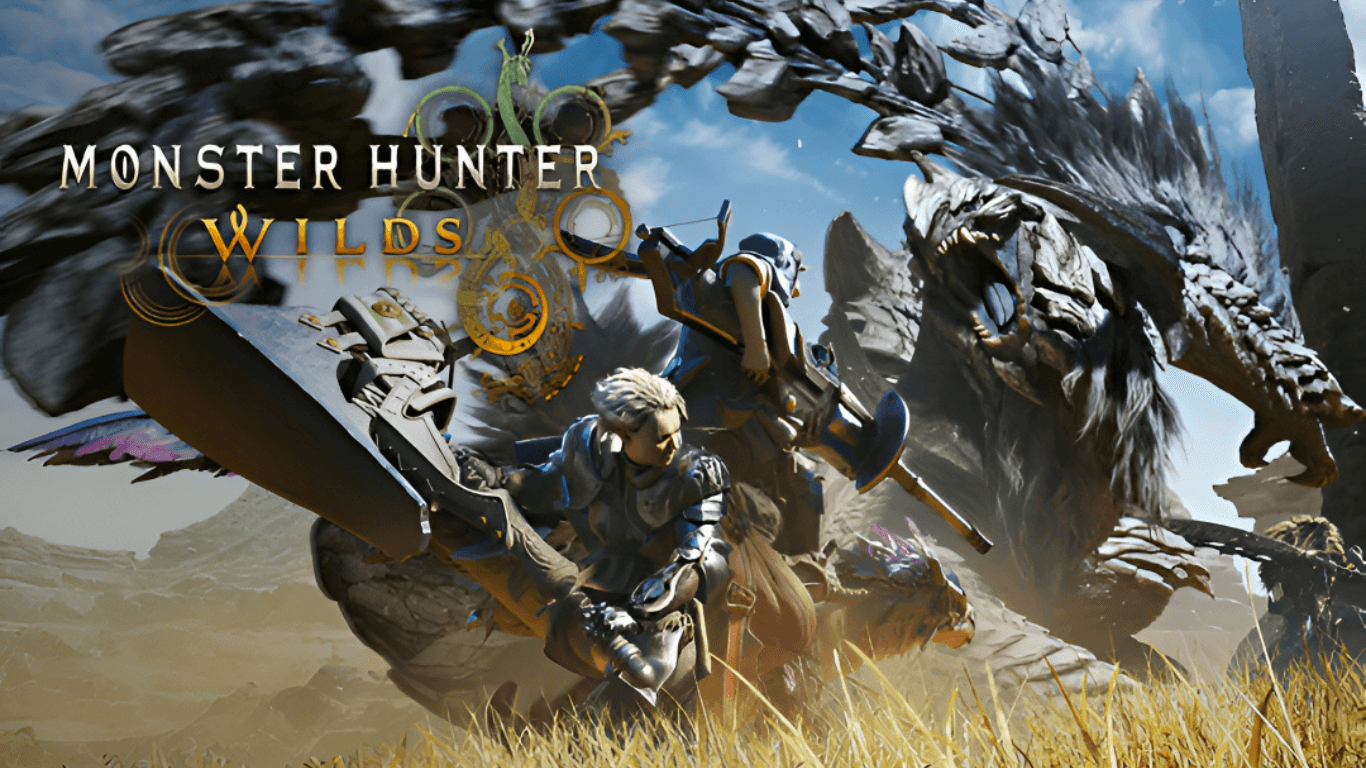
Key Takeaways
- Mods can dramatically improve your experience in Monster Hunter Wilds
- Quality-of-life mods save time and reduce frustration
- Visual and performance mods make the game smoother and more immersive
- Some mods can make the game easier—or brutally harder
- Always install mods carefully to avoid crashes or save issues
Mods for Monster Hunter Wilds can upgrade graphics, improve performance, and add quality-of-life features that make hunting smoother and more fun. From better UI tweaks to gameplay-changing additions, the right mods can completely transform how the game feels without losing its core experience.
My First Experience With Mods (And Why I Can’t Go Back)
I’ll be honest—I used to be one of those “pure experience” players. No mods, no tweaks, just raw gameplay. That changed the moment I installed my first mod.
Suddenly, things felt… smoother. Cleaner. Less frustrating.
It wasn’t cheating. It was like putting on glasses after realizing you’ve been playing slightly blind the whole time.
If you’re jumping into Monster Hunter Wilds, mods can take your experience from “this is fun” to “why didn’t I do this sooner?”
What Are Monster Hunter Wilds Mods?
Simple Explanation
Mods are custom changes made by players that alter the game.
They can:
- Improve graphics
- Fix annoying mechanics
- Add new features
- Or just make things look cooler
Types of Mods You’ll Find
Here’s a quick breakdown:
| Mod Type | What It Does | Who It’s For |
|---|---|---|
| Visual Mods | Better textures, lighting, effects | Graphics lovers |
| QoL Mods | UI tweaks, shortcuts, timers | Casual & busy players |
| Gameplay Mods | Change difficulty or mechanics | Hardcore hunters |
| Performance Mods | Boost FPS, reduce lag | Low-end PC users |
7 Powerful Monster Hunter Wilds Mods You Should Try
1. Performance Booster Mod
If your PC starts sounding like a jet engine during hunts… yeah, this one’s for you.
This mod:
- Improves FPS
- Reduces stuttering
- Makes big fights smoother
Perfect for when things get chaotic (which is always).
2. Better UI & HUD Mod
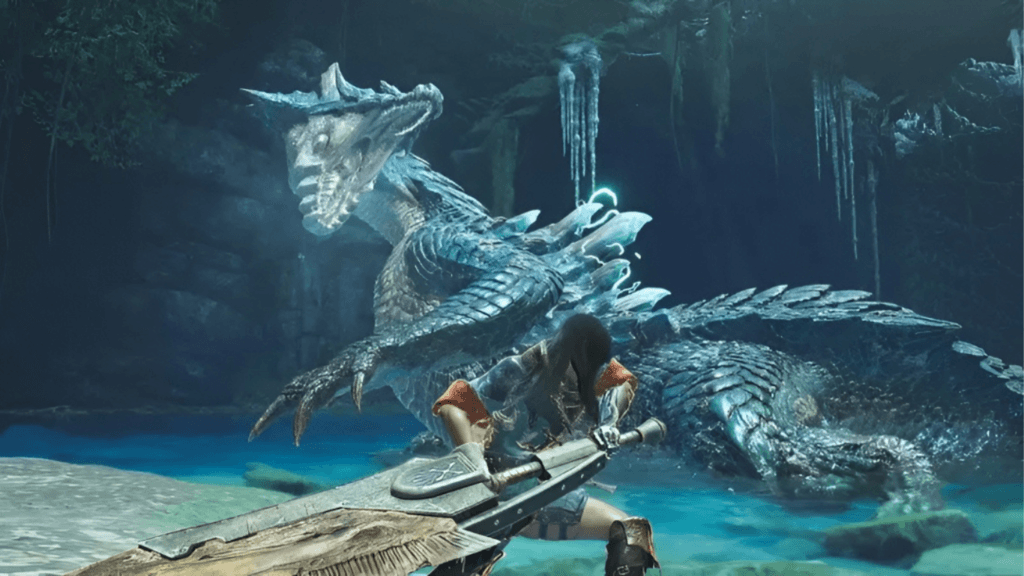
Ever felt like the UI is fighting you instead of helping you?
This mod cleans things up:
- Clearer health/stamina bars
- Better item visibility
- Less clutter on screen
It’s one of those “small change, big impact” upgrades.
3. Monster Health Bar Mod
Okay, this one feels slightly illegal at first… but hear me out.
It shows:
- Exact monster health
- Damage tracking
No more guessing if the monster is about to drop or just pretending.
4. Reshade Graphics Mod
This is where things get spicy.
With a good reshade:
- Colors pop
- Lighting feels realistic
- The world looks next-gen
I installed this and genuinely paused mid-hunt just to look around. Not even joking.
5. Faster Gathering Mod
If you’ve ever spent way too long picking herbs while your friends are already fighting… yeah, you get it.
This mod:
- Speeds up gathering animations
- Saves time
- Keeps the flow going
It’s not flashy—but it’s a lifesaver.
6. Infinite Consumables (Optional Chaos Mode)
This one depends on how you like to play.
It gives:
- Unlimited potions
- Endless buffs
Fun for experimentation… but it can kill the challenge if overused.
Use wisely.
7. Custom Armor Skins
Also Read This Article On 7 Brutal Truths About Starfield: The Space RPG You Didn’t Expect
Let’s be real—fashion is the true endgame.
This mod lets you:
- Change armor appearance
- Mix styles freely
- Look absolutely legendary
Because hunting monsters is cool… but doing it in style? Even better.
How to Install Mods Safely
Step-by-Step Basics
- Download mods from trusted sites
- Use a mod manager if available
- Backup your game files
- Install one mod at a time
- Test before adding more
Common Mistakes to Avoid
- Installing too many mods at once
- Ignoring compatibility issues
- Forgetting to update mods after game patches
Trust me, nothing hurts more than breaking your save file after a 10-hour grind.
Are Mods Safe to Use?
Short answer: Mostly, yes—if you’re careful.
Safe Usage Tips
- Stick to well-reviewed mods
- Avoid anything that touches online gameplay unfairly
- Keep backups (seriously, do this)
Online Play Warning
Some mods can:
- Cause bans
- Break multiplayer
So if you play online, keep things clean.
Do Mods Ruin the Game Experience?
This is where opinions get spicy.
My Honest Take
Also Read This Article On 7 Powerful Reasons The Gecko Gods Will Surprise You (Honest Review)
Mods don’t ruin the game—they customize it.
But…
- Too many cheats = less challenge
- Too many tweaks = less balance
It’s like adding extra spice to food. A little? Amazing. Too much? Regret.
Final Thoughts
Mods are like secret upgrades the game never officially gave you.
They can:
- Fix annoyances
- Boost performance
- Add personality to your playstyle
Just don’t go overboard… unless you want your hunter to become an unstoppable god (no judgment).
Summary
Monster Hunter Wilds mods can completely change how the game feels. From smoother performance to better visuals and smarter UI, the right mods make hunting more fun and less frustrating. Just remember to install carefully, avoid risky mods online, and find the balance that works for your playstyle.
FAQs
Yes, most mods are completely free and made by the community.
Only if installed incorrectly or from unsafe sources. Always backup files.
No, mods are usually only available for PC versions.
Only if you use unfair mods in online play. Stick to safe mods offline.
Start with UI and performance mods—they’re simple and very useful.